
AI Metadata
Generate titles, descriptions, keywords, and supported marketplace categories through your connected AI accounts.
From discovering top-selling trends and generating AI keywords to automated marketplace delivery using FTP — Automagine powers your entire contributor workflow in one fast, private desktop app.
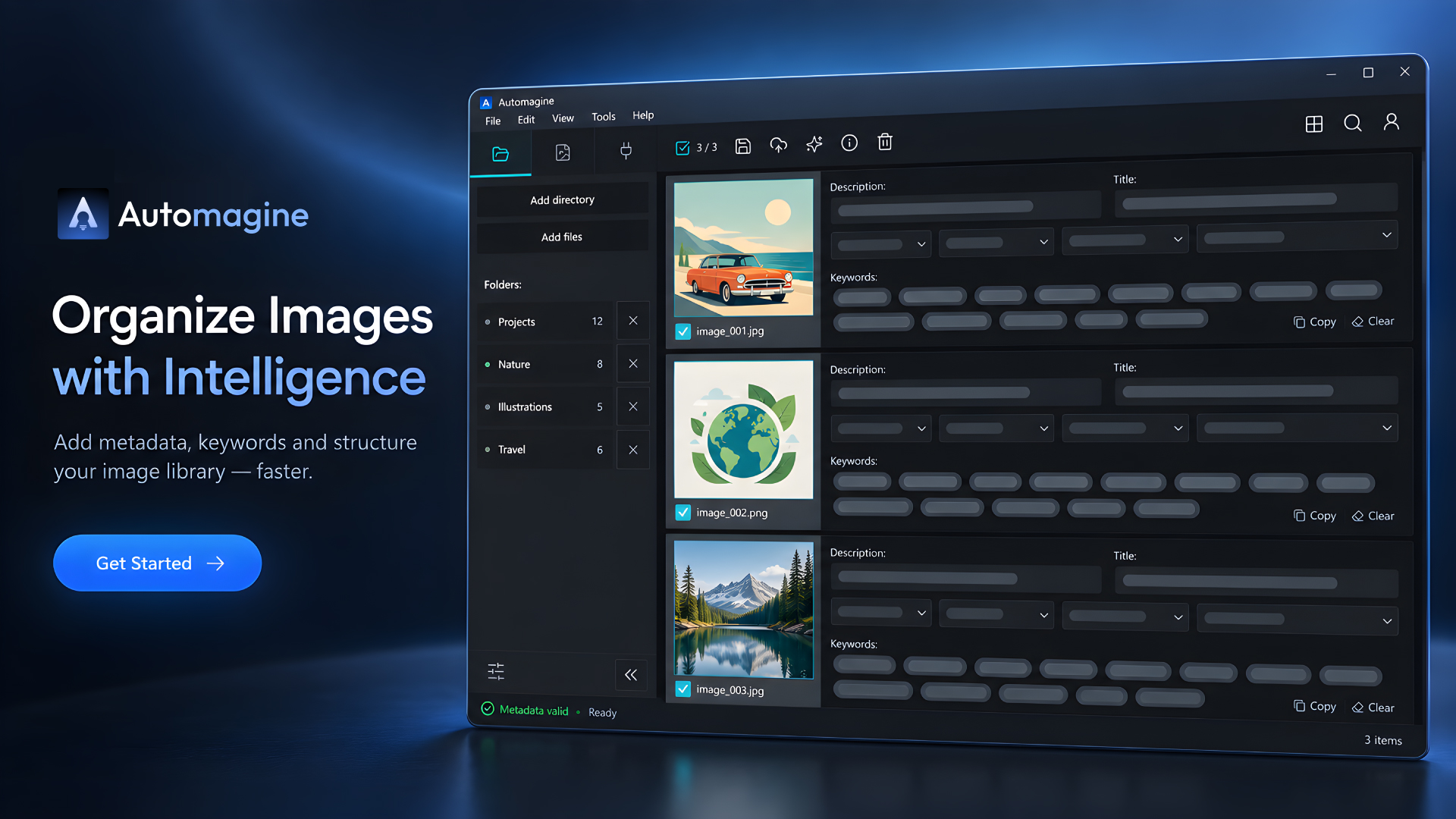
Prepare creative assets and analyze marketplace performance without jumping between disconnected utilities. You decide what to generate, analyze, schedule, embed, or deliver.
Feature availability and limits depend on your membership plan and configured services.
Generate titles, descriptions, keywords, and supported marketplace categories through your connected AI accounts.
Turn a pasted or dropped reference image into a reusable creative prompt inside the desktop workspace.
Write metadata directly into IPTC/XMP tags for EPS, JPG, and PNG files, or export formatted CSV files for supported marketplace workflows.
Analyze contributor portfolios, track live asset downloads, estimate earnings, discover best-selling keywords, and spot category trends.
Build scheduled sequences for folder imports, metadata preparation, CSV export, and delivery.
Save agency upload profiles and send compatible assets through FTP, FTPS, or SFTP destinations.
Available limits, file types, and plugins depend on the membership plan configured for your account.
Choose individual assets or import a folder.
Generate, import, or edit metadata and review the result.
Embed metadata directly into files or export formatted CSV spreadsheets.
Send compatible files through the agency profiles you configure.
Source files, previews, and metadata remain on your computer. Account sync can restore supported preferences and profiles. Credential sync is optional.
Read the privacy policy